

The Collaborative serves the communities of Nash, Edgecombe, Wilson, Halifax, Northampton, Wayne, Johnston, Pitt and Greene counties with special funding. All are welcome to apply, however, full fees are accessed to students outside of the nine county service area.
The Collaborative Youth Camp Registrations
To register for one of the Summer Camps listed below, click the link to begin:
- Health Sciences Camp Registration
- Camp Finance Registration
- Math Fun Camp Registration
- Data Science and Statistics Camp
- MSEN STEM Camp Registration
- Construction Management Registration
- Sports/STEM Registration
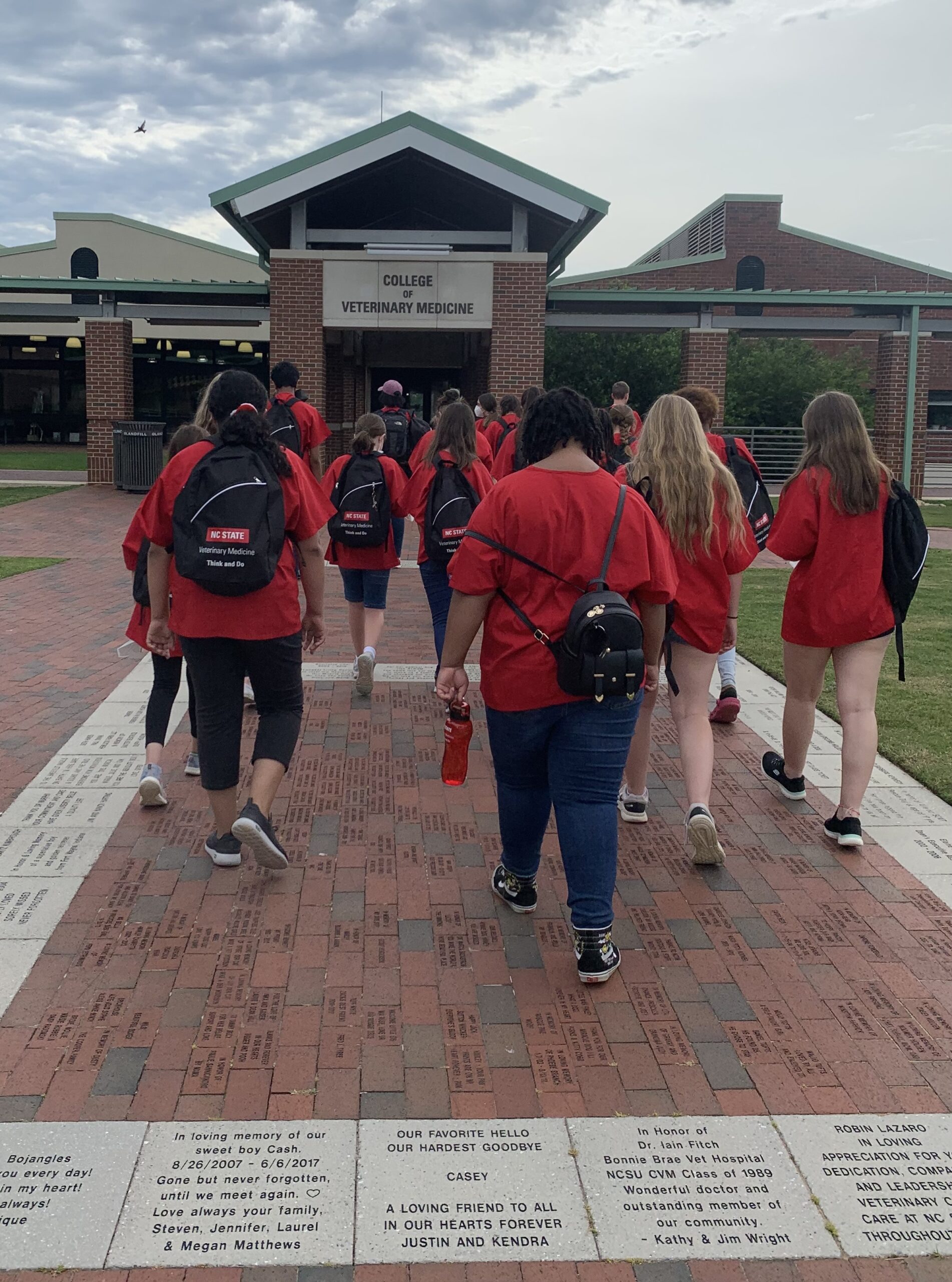
- Middle School Vet Camp
Clicking the above link will bring you to the REPORTER page. Registration in REPORTER requires a free NC State Parent Brickyard account. You must have an NC State Parent Brickyard account to complete the registration.
All registrations must be completed using a Parent Brickyard Account. Minors are not permitted to have accounts in REPORTER.
Registration & Checkout Instructions
1. Log In
Click the Camp Registration link above.
Use your Brickyard email and password to log in. Once logged in, the camp will be automatically added to your cart.
If you do not have an NC State Brickyard account, use the Create Account button and follow the prompts to create a new account and set a password. Once logged in
2. Manage Your Family
Before checking out, ensure the correct family member is selected. If your child is not yet listed in your account, follow these steps:
- Click the Manage My Family link.
- In the Edit Family pop-up, click the green + add Youth Registrant button.
- Enter the required information for the child and click Save.
- Repeat this process for each child you wish to register.
3. Select Participants in Cart
Return to your Cart and follow these steps to assign the camp to your child:
- Assign the Child: Select the child’s name from the Select Minor dropdown list.
- Multiple Children: If registering more than one child for the same camp, update the Number of Participants field to match, then select the appropriate minor for each spot.
4. Forms & Discounts
The Collaborative serves the communities of Nash, Edgecombe, Wilson, Halifax, Northampton, Wayne, Johnston, Pitt and Greene Counties. These camps are discounted or free for the service area, and a fee will be assessed for students outside the service area. As part of the registration process, applicable Discount Codes will be displayed on your Checkout from.
Complete Forms: Fill out all required registration forms.
- Apply Discounts: If you have a discount code, click Apply a discount code.
Note: County-specific codes will be displayed on the forms based on your residence.
5. Finalize Registration
- Policies: Click the Registration Policies link to review the Cancellation and Refund policies. Select Agree or check the box in the cart to proceed.
- Summary: Click Proceed to Order Summary in the top right.
- Checkout: * If there is no cost, click Checkout to finish.
- If there is a cost, continue to the payment screen to complete your registration.
NC State Middle School Vet Camp
These instructions only apply to NC State Middle School Vet Camp
Applying for summer camps and activities is a multi-step process. This allows our staff to review each participant’s eligibility and ensure that all applicable scholarships are awarded correctly. Applications are reviewed in the order they are received.
Step 1: Submit Your Application
Click the Application Link to begin.
- Account Required: You must use a Parent Brickyard Account to apply.
- Existing Users: If you already have an NC State Brickyard account, please log in with your existing credentials. If you have misplaced your password, use the “Forgot Password” link on the login page to reset your access.
- Save Your Progress: You can click Save Draft at any time. Simply log back in with your parent account later to resume and submit your application. Please note that drafted applications that are not submitted will not be eligible for consideration.
- Confirmation: You will receive an email confirmation immediately upon submission.
- Submission Deadline: Please ensure your application is submitted by [Insert Date Here].
Step 2: Application Review
Once submitted, our staff will review your application. After the evaluation is complete, you will receive an email notification with detailed instructions on how to finalize your enrollment. Please allow 14 days for application review and processing.
Step 3: Registration & Payment
Once your application is approved, follow these steps to secure your spot:
- Log In: Access your REPORTER Dashboard using your Parent Brickyard Account.
- Navigate: Select the Youth Activities tile.
- Add to Cart: Locate the Approved Applications section and click Add to Cart next to your child’s camp activity.
- Review Fees: Any applicable scholarships or discounts will be automatically reflected in your cart total at the bottom of the screen.
- Finalize: Complete the required forms, accept the payment policies, and click Proceed to Order Summary to check out and confirm enrollment.
For questions or additional information, view our support site at support.reporter.ncsu.edu or reporter_support@ncsu.edu.
Click here to learn more about the MSEN Pre-College Program
Partner Camps
Upper Coastal Plains Learning Council (UCPLC)
Shelton Leadership Challenge (2026 update coming soon!)
- Date:
- all-day/night residential camp
- Open to current 8th-12th grade students (graduating seniors included)
- The foundation of the program is based on General Shelton’s five cornerstones of values-based leadership – honesty, integrity, compassion, diversity, and social responsibility. Download PDF Flyer
- This camp is administered by NC Wesleyan College. Visit their Shelton Leadership Challenge page for more information.
- Application
- Application deadline is June 15th
Nash Community College Summer Camps- Click Here
Edgecombe Community College Camps- Click Here
** ECC updates soon